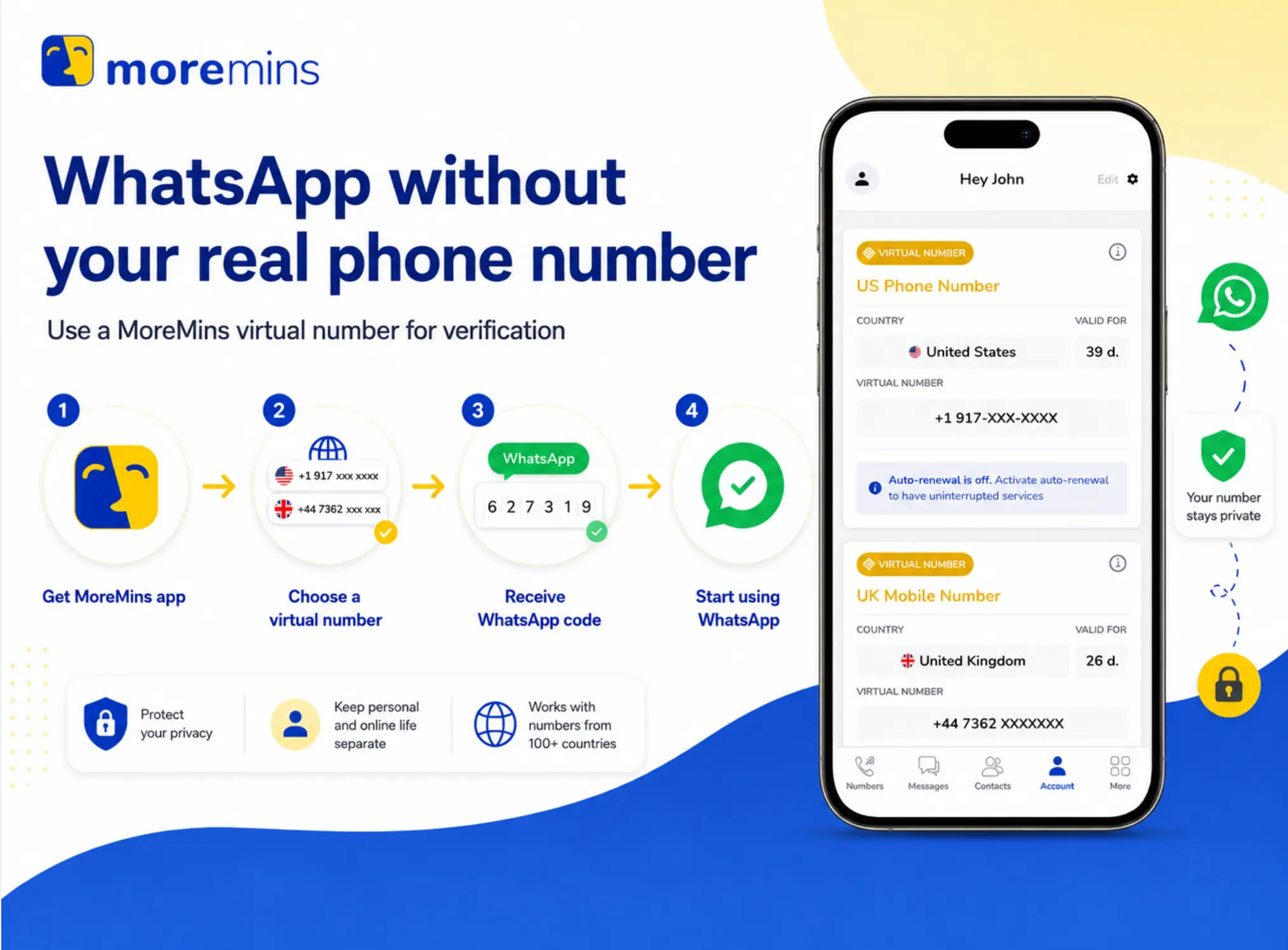
WhatsApp requires a phone number for registration, but this doesn't have to be yours. Below are the 4 methods that really work in 2026, from most reliable to least reliable.
Method 1: Virtual number from MoreMins (most reliable)
MoreMins provides you with a real mobile number from any country you want, which works just like a normal SIM for WhatsApp. Plans are as low as $0.99 /month
To get a virtual number with MoreMins:
- Download the app from the App Store or Google Play
- Sign up with your email
- Select a country (UK, US or any other EU numbers work best for WhatsApp).
- Choose an available number and subscribe to a plan (a receive-only plan is enough).
- Open WhatsApp on your phone or tablet.
- Enter the virtual number along with the country code.
- The 6-digit verification code will be sent to your MoreMins app, not your regular phone messages.
- Enter the code into WhatsApp.
- Set up your profile name and photo.
Note: if the SMS does not reach you in 60 seconds, click "Resend code" on WhatsApp and select the voice call method. Around 1 out of 10 verifications requires a voice call instead of SMS.
Method 2: TextNow (free, USA/Canada only, works sporadically)
TextNow gives you a free US or Canadian number. It used to be perfectly fine for WhatsApp but ever since 2023 WhatsApp has been rejecting most TextNow numbers at first attempt and you'll have to resort to the voice call code. But more importantly: TextNow recycles phone numbers quite aggressively. That means the next person to get the number you used will be able to hijack your WhatsApp account through the re-registration process. Works only for a one-time login, but definitely not for a long-term account.
Method 3: Google Voice (free, US residents only)
Google Voice provides you with a permanent US phone number linked to your Google account that is reliably accepted by WhatsApp. However, there's a catch: Google Voice can only be obtained by US residents, and it requires you to have a valid US number for activation in the first place. If you don't own a US number already, this method won't work.
Method 4: WhatsApp Linked devices (uses an existing account on another device)
This method doesn't create a new WhatsApp account but rather connects an existing one to another device such as a tablet, computer or another phone without the need for a second phone number.
- On your main phone, go to Settings → Linked devices → Link a device.
- Open WhatsApp Web at web.whatsapp.com on your second device or download the WhatsApp app to it.
- Scan the QR code displayed on your second device using your main phone.
- WhatsApp will open on the second device. The primary phone no longer needs to be connected after the first 14 days.


If you want to retain the account and the number permanently, choose method 1. A virtual number is functionally equivalent to a normal SIM for WhatsApp and can receive SMS messages from any application, and is yours while you are subscribed to it.
WhatsApp without a phone number - frequently asked questions
Not by itself. WhatsApp bans accounts for spam, harassment, or terms violations. The number type is not the trigger.
A virtual number from MoreMins. As long as the subscription stays active, the number is yours and the WhatsApp account stays linked to it.
Wait the full 60 seconds, then use the voice call option. Voice has a higher success rate on virtual lines than SMS.
Yes. WhatsApp → Settings → Account → Change Number. The migration keeps chats, groups, and contacts. You need access to both numbers during the switch.
Yes. The verification flow is identical. WhatsApp Business adds quick replies, auto-responses, and a business profile.