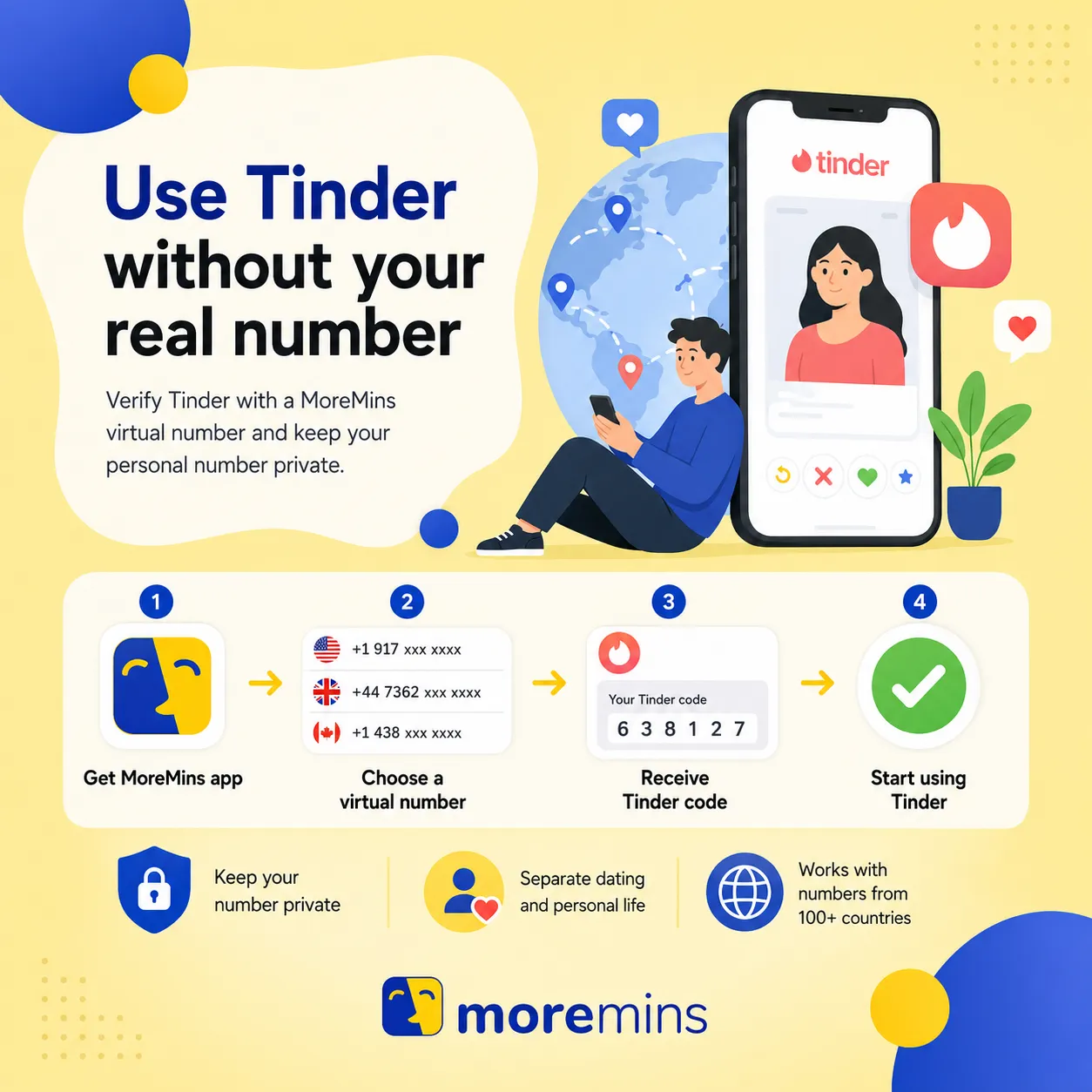
This guide explains how to use Tinder without a phone number, or at least without giving it your real one, so your dating profile never traces back to your real name, location, or workplace.

While Tinder requests a phone number at signup, it is not necessary to use your personal cell phone number. On dating applications, phone numbers are utilized by lookup services to connect the user to their real identity (like a real name, the user's location and the user's workplace). This makes it worthwhile to spend an additional couple of minutes to keep this data confidential. Here is how you can proceed: log in using Apple or Google, which allows users to completely bypass the phone number step; provide a virtual phone number if Tinder demands one; or change your phone number on a Tinder account that you already have.
1. Create a Tinder account with no phone number
Most dating applications give customers the choice of logging in using an existing Google or Apple profile as an alternative to a phone-number registration method. It's possible they will ask you to enter a phone number at a later point in the profile setup if you require paid services or extras, but this isn't a requirement to finish the base registration.
First, download Tinder from an app store and tap 'Create Account'. Next, select 'Continue with Apple' or 'Continue with Google', authenticate using the pop-up screen which appears, and confirm your birth date and accept all terms. Tinder should allow you to click an option labelled 'Add later' and bypass the phone step. Now you are done signing up and can fill in all the extra bits (bio, pictures etc.), just remember to avoid linking either an Instagram or Facebook profile as this may tie the identities together and give you away. An Apple or Google account being utilized to sign up does mean your Tinder account is directly linked to it, so if you are locked out of that account, you'll likely be locked out of your Tinder too.
2. Verify Tinder using a virtual phone number
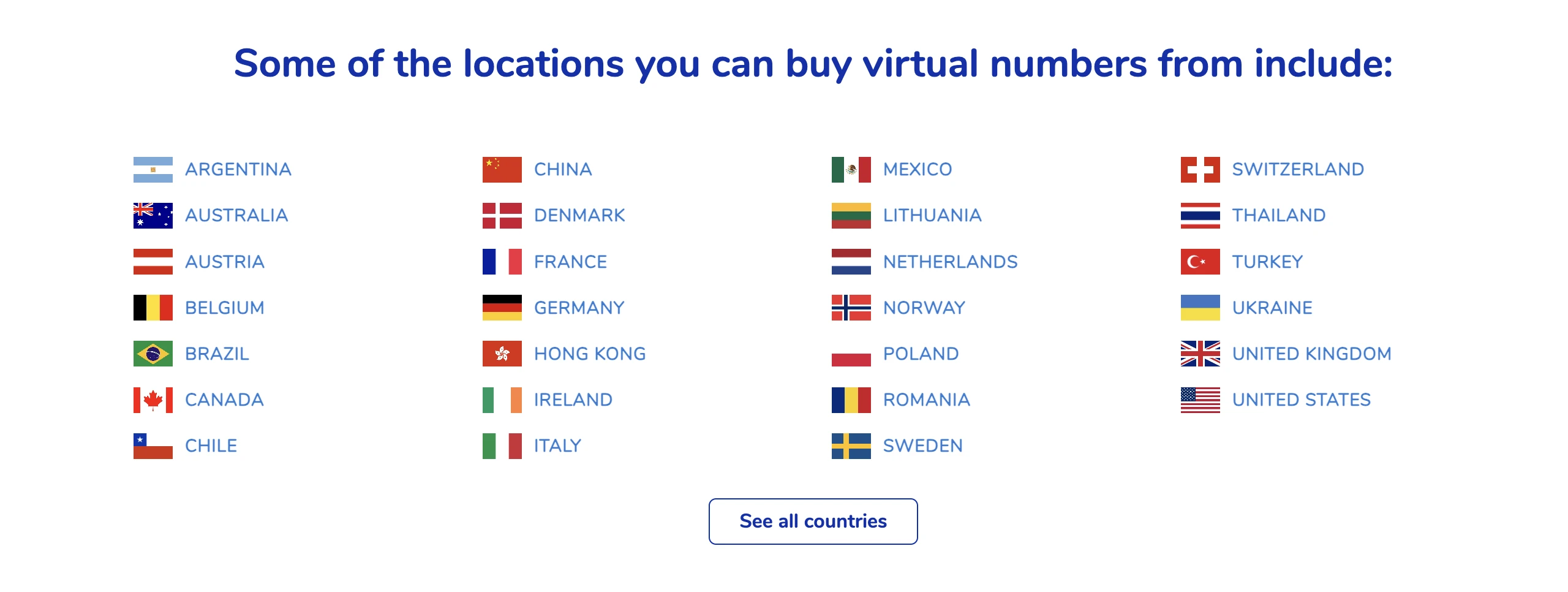
A MoreMins number will verify Tinder and works exactly like a real mobile number, but does not reveal any of your personal information. MoreMins gives a wide list of phone numbers available to use across the world.
First, get a MoreMins number in the app (it is advisable to choose a number in your current location, as Tinder does not look too kindly on people who aren't in the area that they're pretending to be in, and this is another potential red flag for the algorithm). Then open Tinder, log out of any existing account, and sign in as if it was your first time creating an account using the MoreMins number with the correct country code. Tinder will send out a 6-digit code in an SMS, so go to your MoreMins account in the app to receive and copy this code, then paste it into Tinder. This will verify your new virtual phone number and allow you to get through to the rest of the signup process. Add photos to your Tinder account which are not found elsewhere on the internet (Facebook, LinkedIn or work etc.), as anyone can reverse-image search your pictures, so you need photos which cannot be identified easily.
3. Changing the number on a current Tinder profile
If you already own a Tinder account and wish to change the personal phone number linked to it, you can continue using all your matches, chat history and boosts.
To do so, you just need to log into your profile on Tinder and go into 'Profile', then 'Settings', then 'Account', then 'Phone Number'. After selecting 'Edit', you can input a new phone number (in this instance it could be a MoreMins number). Tinder will then text a verification SMS to your new number, so go to your MoreMins inbox and copy the code that has been received to paste into Tinder. Your previous number will be replaced with the new virtual phone number and all other data will remain unchanged.


Both download links for the MoreMins application are above. The social sign-in option is always working as long as Tinder permits it, but a virtual number is the best and safest bet to verify your profile while still keeping your number private; the change-number function also prevents the loss of data from the Tinder profile. You can use one MoreMins number to receive an SMS code from many other online services as well as dating applications.
You can use either Google or Apple to sign in, which will bypass the phone step. You can also use a virtual number when Tinder prompts you for one. Either way, your real number will not be seen.
No, it will not be. Tinder accounts are only banned if community guideline rules have been broken or mass reports have occurred, not due to the type of number used. A virtual number will pass verification just as any mobile number will.
No. The number is only used for verification purposes. It is never visible on your Tinder profile or seen by matches.
Yes. You would just need to go into profile settings, account, phone number, and then edit, and then type in your own number. All of your previous matches and chats would still be there.