Need to use Telegram without providing a phone number? Here's how: 3 methods that do the trick.
Telegram is one of the few popular apps out there that offers you more than one way to avoid using your personal phone number. In total, three solutions exist.
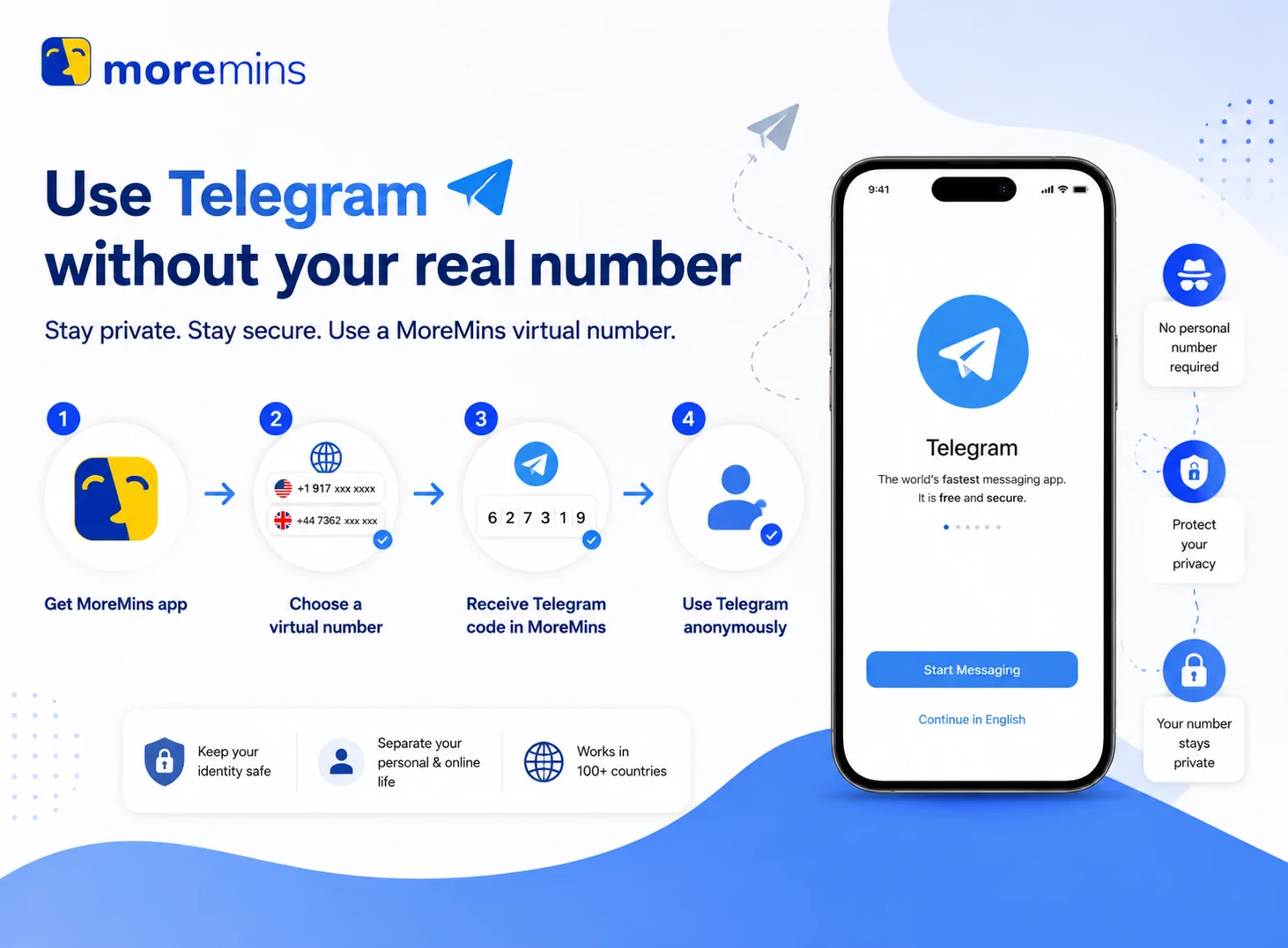
Method 1: Using a virtual number from MoreMins
This is the cheapest and most versatile solution. A MoreMins number can be used not only for Telegram, but also for any other service that requires an SMS verification on a single monthly plan.
Follow these steps to activate a virtual number using MoreMins:
- Open MoreMins, select a country, choose a number and then activate a plan.
- Install the Telegram app on your smartphone, tablet or desktop.
- When the Telegram welcome screen appears, input the MoreMins number and country code.
- Telegram will send a 5-digit code to your MoreMins inbox via SMS.
- Paste the code into the Telegram app.
- Create a username and add a profile picture.
- You should navigate to Settings → Privacy and Security → Phone Number and then "Who can see my phone number", and set the option to "Nobody" to hide your number even from contacts.
Method 2: Using Telegram's Anonymous Number (from Fragment.com)
Telegram released Anonymous Numbers in late 2022. These are blockchain-based numbers purchased on Fragment.com with Toncoin. They offer maximum anonymity since there's no carrier involved, but the number can only be used for Telegram, purchases require a crypto wallet, and starting prices are around $20 to $50 which increase at auctions. A virtual number is a cheaper and more practical solution if you're not seeking a number without a carrier, as it will work on all other apps too.
Method 3: Logging in using an existing device (new account not required)
This method only works if you already have a Telegram account on another device. It will let you sign into Telegram on a new device without needing an SMS.
- Install Telegram and open the app on the new device.
- Enter the phone number linked to your current Telegram account.
- The login code will be sent via your existing Telegram session, not an SMS.
- Open the previous Telegram session and copy the code from the official Telegram channel.
- Enter the code on the new device.
- If you have a 2FA password enabled, enter that too.


For the vast majority of people, a virtual number will be the most practical solution. It is the cheapest of the three, it works on all other apps needing an SMS verification, and you will possess it for as long as your plan is active. The same number can also receive SMS online for every other service you sign up to.
Telegram without phone number - FAQ
Telegram is much more lenient than WhatsApp, with bans based solely on user behavior. Mass-DMing strangers on the first day will have you flagged regardless of your phone number.
No, you can't use standard Telegram apps without any number. Anonymous Numbers bought on Fragment.com are the closest, but they are technically still numbers without a carrier.
After a certain grace period, the number will be recycled and the next person to register on Telegram with that number will take ownership of your account. Maintain your subscription or change the number before it expires to keep access to your account.
Yes, Telegram has built-in multi-account functionality. You can access it by going to Settings, tapping your name, then Add Account. Each account will, however, require its own distinct phone number.
Go to Settings, then Privacy and Security, and then Phone Number. Under the "Who can see my phone number" option, choose "Nobody". Your contacts will still be able to find you through your username. This applies regardless of whether the number is virtual or from a regular SIM card.
SMS are sent to your registered number only in case of login codes. Once logged in to a device, Telegram sends new login codes to the existing Telegram session and no longer via SMS. Your number will only be required again if you end all your active sessions and need to sign in from scratch.