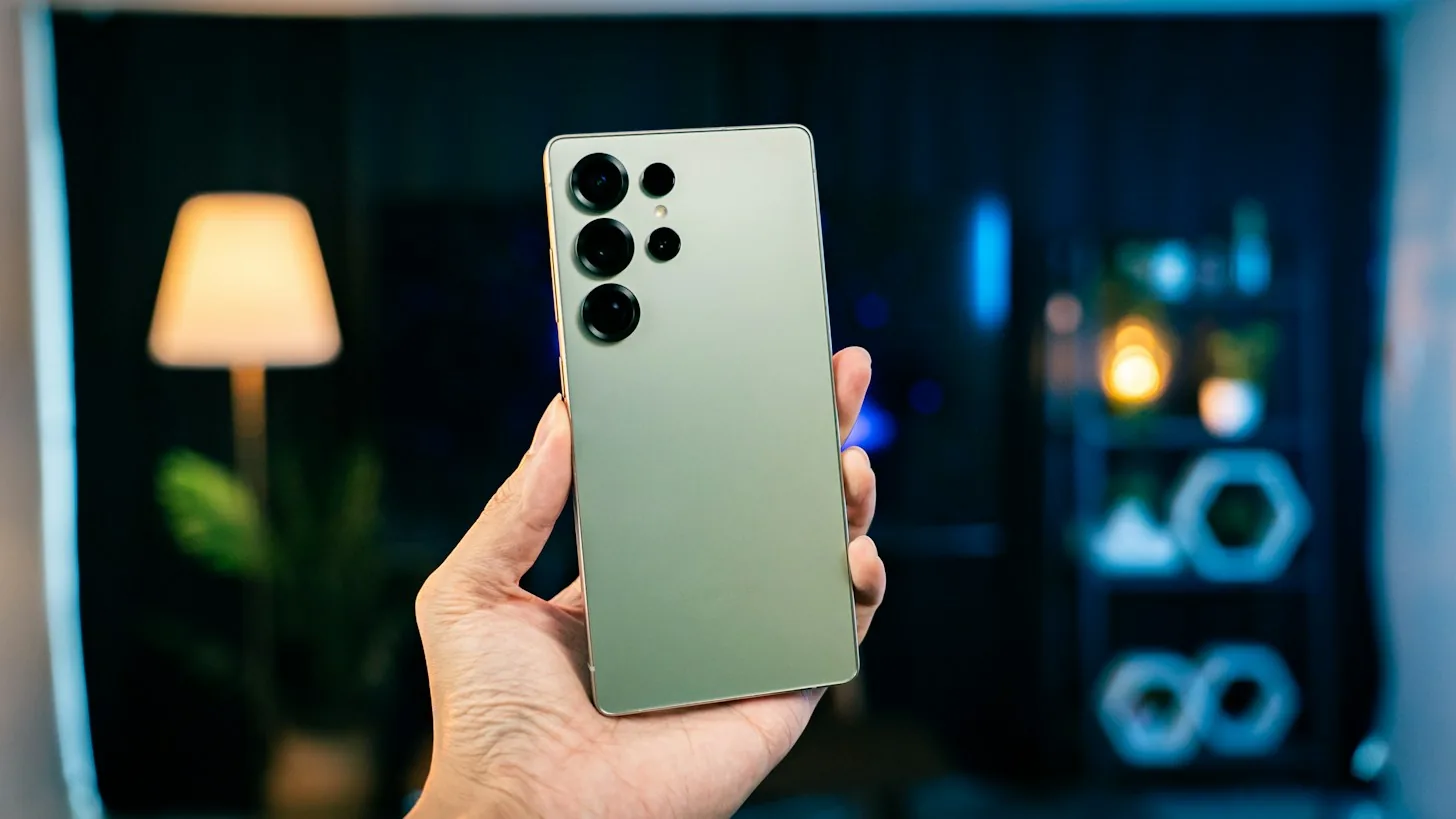
You'll be getting a call from the landlord at ten, to tell you they're not returning your entire deposit. You want this to be in your logs. You pull out the Phone app and search for a Record button, but there's nothing but a menu of three dots.
Where Samsung keeps the Record button
A Galaxy's recorder is built into Samsung's official Phone app. It's not its own app. Samsung support for the feature is brief: open the Phone app, tap the three dots in the upper right-hand corner, tap Settings, tap Record calls. If Record calls isn't on that list, the feature isn't enabled for your phone and we'll explain why a bit further down.
On a call it also depends where the phone was purchased. Instructions for phones marketed by Samsung in their own regions tell you to tap the three dots icon while on a call and select Record call. On US phones you'll find the Record icon on the call screen and on some phones tap More to reveal it; then tap again to stop, otherwise ending the call ends the recording too.
Next up is automatic recording, Samsung has it. Find Record calls and select Auto record calls, press the switch on and agree to the terms with Confirm. You have three options: All calls, Unsaved numbers or Specific numbers. The last one is the only one worth using if you only want the letting agent recorded and not your mum.
Where the recording ends up
Once a call has finished and you want to play it back, head to the Recents tab in the Phone app. Tap the call and there'll be a microphone icon on it. Tap that and it'll play the recording back. For those who prefer everything to sit in the same place, go to Phone settings, Record calls, Recorded calls. Once it becomes a long list, the delete old recordings option is there too.
The files aren't actually stored inside the Phone app though. You can also find the call recording in Samsung's Voice Recorder app and inside My Files there's a folder called Call Recording. That's the best place for calls to end up if they need to go to a solicitor or onto a laptop as you can share it from here just like any other file.
Phones on One UI 7 get the extra feature of turning a call into a transcript. This setting is called Transcript assist and sits inside Record calls. It requires a Samsung account and an internet connection to work. It's not available on every model though, Samsung says on the Galaxy A56 5G, A36 5G, A26 5G and A17 5G, there's no transcripts or summaries so the only thing you'll get is the sound file.
Why the option is missing on your Galaxy
The first thing to check if you want to know why your Galaxy doesn't have the Record button is the phone's software. Head to Settings > About phone > Software information and find the One UI version. For a device bought in the US, that needs to be 7.0 or above, so Android 15. If yours says 6.1, then your Galaxy won't have a Record button yet and anything in the Phone section of Settings isn't going to add one. The feature only arrived on US Galaxy phones with the One UI 7 beta in December 2024. Before then, a Galaxy bought in the US or UK didn't record calls.
And if you're running One UI 7.0 and you've done the software update on your phone, yet still don't see the option to record calls, then it is probably your region. It's a setting the software has that can be turned on or off by Samsung based on the region. But you can't turn that on or off on your phone, at least in Settings.
Check Wi-Fi calling and which dialler you use
Right software, right region, still it won't record? Check Wi-Fi calling - if you're at home with a poor signal, your Galaxy may route calls over your broadband connection instead of using your mobile network, and those calls aren't recorded. In January 2023, Samsung support told the Samsung Members forum that Wi-Fi calling disables the ability to record any calls. Disable Wi-Fi calling in Settings, Connections, Wi-Fi Calling.
Using Phone by Google and not Samsung's Phone app? Then none of the menus above apply. Google's dialler recorder works in its own way, with its own requirements, such as running Android 9 or higher, and being supported on some models and carriers, but not others. Google claims it's available in many locations worldwide, and not available in some locations.
What about a recorder app from the Play Store? Since 11 May 2022, these have been prevented from using the Accessibility API to record your calls. Preinstalled diallers like Samsung's had been unaffected.
What the other person hears, and what the law says
On a US Galaxy you can't quietly record. When you start recording there's an audio notice and a similar signal sounds at the end. When Android Authority tested the beta, the phone displayed an on-screen warning that the other party would be notified and gave them five seconds to back out. Anyone who's not okay with it can simply hang up. One caveat: Samsung says those who join an existing group call aren't notified, so you'll have to tell them yourself.
Depends where you both are in the world. In the US, 18 U.S.C. 2511(2)(d) asks for at least one person to consent to the call, which can be you; others want everyone to agree, including California, Florida, Pennsylvania, Maryland, Massachusetts, New Hampshire and Washington. If you're in England and Wales, the Regulation of Investigatory Powers Act 2000 doesn't prohibit recording your own call for your own purposes, but sharing the content with third parties is limited. In Germany, it's an offence (section 201 of the Criminal Code) to record without someone else's consent.
There is far less on Samsung's regional sites. The Saudi Arabian version of its support page, last edited 21 October 2026, doesn't have any warning for the other party; it merely advises you to notify them if necessary in your country and notes some countries may restrict recording without consent. The moral of the story: If in doubt, ask. It'll only take a sentence at the beginning of the call.
When the phone won't do it, record on the number
Take a freelance translator in Manchester with clients calling from three countries. Her apartment has one bar of signal, so all of her Galaxy calls are routed over Wi-Fi calling, and on Wi-Fi calling Samsung's recorder remains deactivated. And now a client questions a discount he confirmed during their phone call.
She has no recording to refer to. She ditches the handset's recorder altogether. She orders a virtual number from MoreMins ($0.99/mo and up), enables the MoreMins call recording ($1.99/mo) and all can be done without a contract. The recording takes place on the line itself and not on the Galaxy smartphone, so the device's region and the version of One UI is irrelevant.
She gives her new number to clients. The call rings in through the MoreMins app, she terminates it, and the recording lands in her inbox. It's her one and only copy, for MoreMins doesn't save recordings on its servers, so she saves the file onto her machine right away. Calls to her SIM number remain unrecorded. And if she upgrades her Galaxy to an iPhone next year, the number is hers to take.
The short version
You'll find the recorder in Samsung's Phone app, under Settings and then Record calls. Depending on your region, model and One UI version, it may or may not be there, and you also have to turn off Wi-Fi calling. If your phone won't record, a number that does the recording itself can.