As you get halfway through the call, someone tells you the address, entry code and three things to bring. You could ask for that to be repeated. Or if you had arranged to record it, you could listen back to it later.
The weird part is knowing whether you can record that chat on your iPhone.
Apple's native call recording is only in supported countries, but it isn't supported everywhere. If it isn't available on your phone there are other ways to record, including an external recorder or call recording service using a virtual phone number.
Give iPhone call recording a try first
Apple's native call recorder applies to one-to-one calls in supported areas. Make the call in the Phone app.
When connected, tap More, then Call Recording.
You both hear an alert. Tap Stop when you have finished, or end the call. The audio file appears in the Call Recordings folder within Notes: open the note to listen to it.
Those are Apple's current instructions: check that they match your version of iOS if your screen isn't the same. There's nothing to be gained from looking for a button that isn't there, just because another version of iOS has different screenshots. Ask the other person whether they are happy for you to record first.
A simple reason can get that underway: you want to remember the directions, for example.
Recording laws differ, so check the rules that apply to the call.
Check whether call recording is supported before you pay for an app
Apple currently lists the European Union among the places where its native call recording isn't available. Make sure you read that list of regions before assuming you have messed something up. It is the same with any third-party app.
Read how it will record the call, whether it supports your country and what you will pay afterward.
Will it record the call through its own service, or does it need a different setup?
Does it have a trial period?
Don't click to download if you can't answer those questions.
If you need one recording today
For an occasional conversation another device may be the simplest solution. Put the iPhone on speaker and use another to pick up the sound. Tell the other caller first and get their consent.
Use a short test call before you need it for real.
Put the recording device near the speaker, keep the microphone uncovered and listen to the result.
Is the quieter person audible?
Does moving a glass across the desk drown out a word? A quiet room to you might still make an uninspiring recording.
It requires some prep time and another device to look after but it still makes sense for a one-off interview or family chat.
If you plan to do this weekly, the extra effort will eventually be too much.
Recording calls with your MoreMins virtual phone number
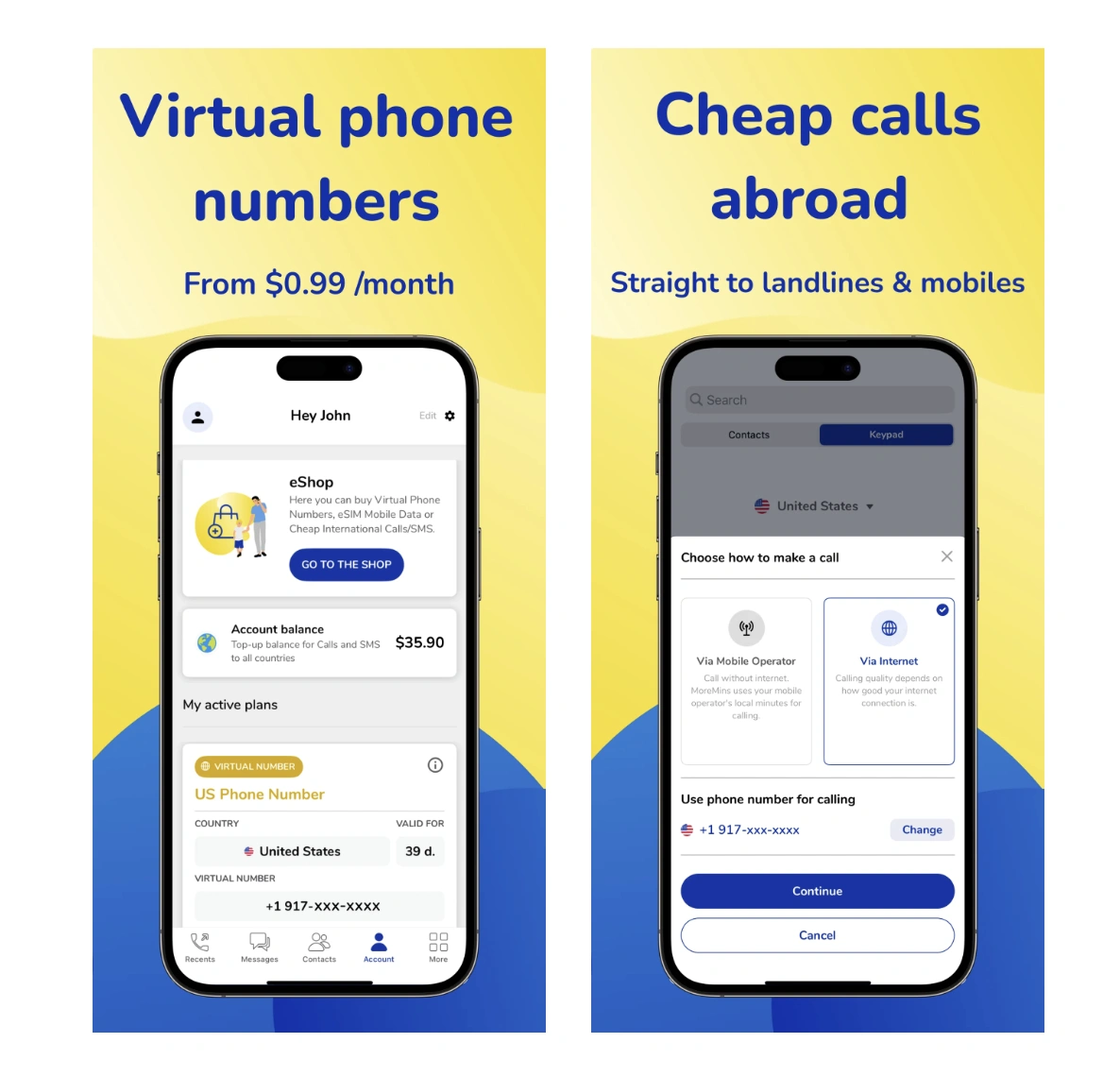
MoreMins offers call recording for calls made and received with its app on a virtual phone number. Add the feature when buying the number, or switch it on for an existing number through your account.
It costs $1.99 a month, with your virtual number sold separately from $0.99 a month. Search the shop for your preferred number and calling rates. The recording will arrive in your email inbox.
MoreMins says it does not retain recordings on its servers and your email system may still keep hold of the message and its file attachment.
Save files you want to keep somewhere you control and work out who may be able to see the folder.
Which line do you use?
You make or receive the call through your MoreMins number in the MoreMins app. It will not record a telephone call through your usual SIM card, or simply turn on Apple's missing recording button.
Remember that when you give someone that number.
For work you might prefer a dedicated line to manage those calls more easily. You can hand the new number to customers and keep personal conversations on your regular one. Choose which calls need recording rather than saving files nobody else will hear.
After the call
Save the file with a name and date so that you will know what's inside next month. Apple also provides transcripts in supported languages and regions. Use the transcript as a cue to find the right second but then check the audio before making any assertions based on it.
Summaries need Apple Intelligence support. Recording and summarising are separate features.
Questions before the first recording
Can I record a phone call on iPhone for free?
If you use Apple's native option then you won't need to pay a premium for it. An external recorder you own is an option. Neither will get rid of your regular charges.
Will they know I am recording?
Apple's solution plays a notification to everyone. With other options you will have to tell people why you want to record and check consent requirements before using that recorder. Don't assume an app will support you in that conversation.
What if I switch between iPhone and Android?
Check out the instructions to use for the phone and the calling app you use. Our guide to how to record a phone call on Android is separate because the controls and support differ.